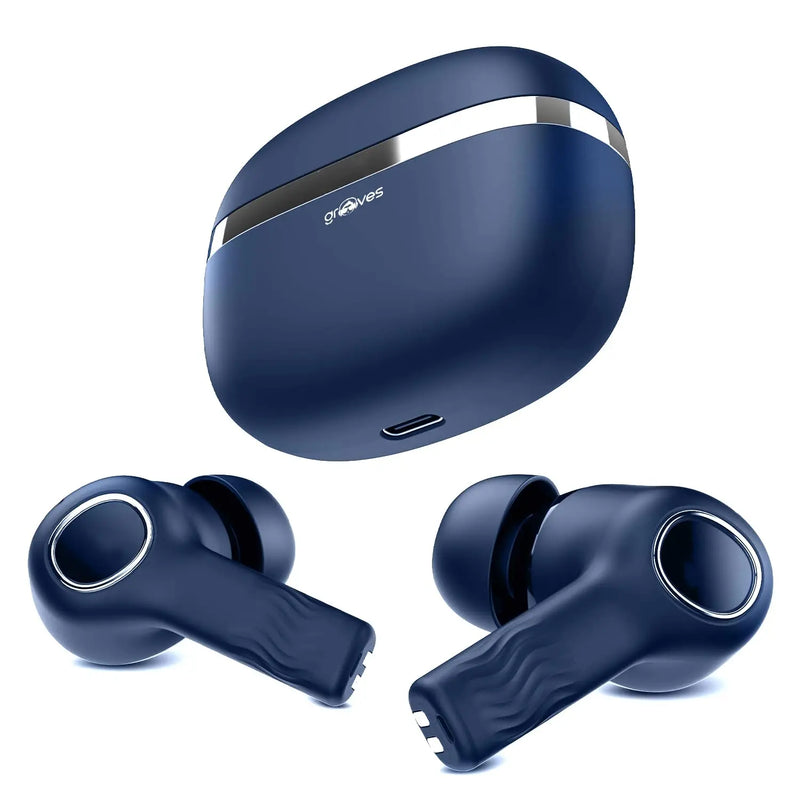
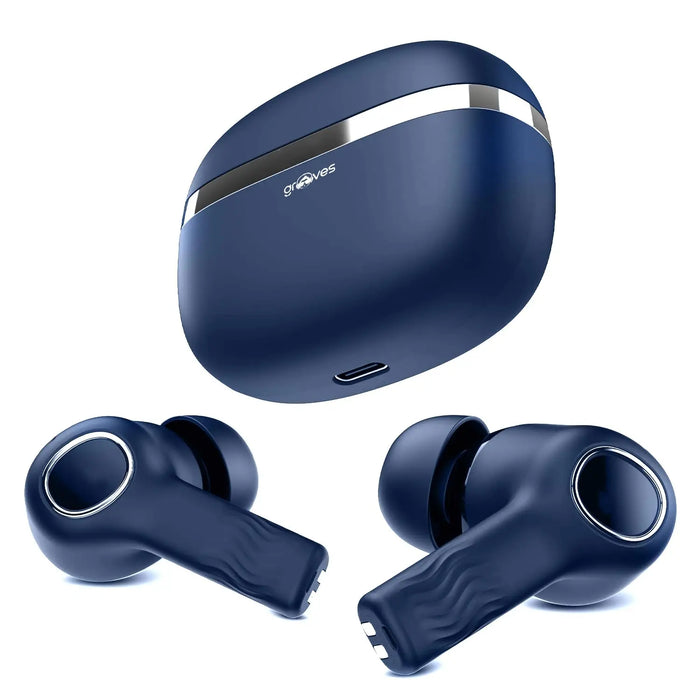
Compare earbuds, headphones and neckbands by fit, live pricing and model-specific details. Includes product images, metal-frame checks, pairing guidance and official support links.
Explore wireless audio formats for music and calls. Compare fit, connection options and the specifications for the exact model, then contact customer support if you need help choosing.
Places where we have been featured
In The Press
Find wireless audio products and mobile charging accessories for your everyday setup. Use the guidance below to compare formats, then check the exact model on its product page.
What products does Grooves Lifestyle offer?
Grooves Lifestyle offers wireless audio products and mobile charging accessories in India. The range includes TWS earbuds, headphones, neckband earphones, charging adapters and selected combos. Browse the relevant collection and check each product page for the exact model, available options, package contents and specifications before ordering.
What are TWS earbuds?
TWS means True Wireless Stereo. TWS earbuds use separate left and right earpieces without a cable joining them, and typically come with a charging case. They connect wirelessly to a compatible device. Battery runtime, microphone features, charging connection and water resistance vary by model and should be checked individually.
How do you choose wireless earbuds?
Choose wireless earbuds by comparing fit, device compatibility, calling needs and playback time per charge. Check whether the stated battery figure includes extra charges from the case. Confirm the charging port and any model-specific water-resistance or noise-cancellation claim. If a required specification is missing, ask support before choosing.
What is the difference between earbuds and neckbands?
True wireless earbuds have separate earpieces that are usually stored and recharged in a case. Neckband earphones connect the earpieces to a band worn around the neck. The choice depends on comfort, storage and how you prefer to handle the earpieces; neither format guarantees better sound or longer battery life.
How do you choose a power bank?
Choose a power bank by checking its stated capacity, output power, supported charging protocols and ports against your device requirements. Confirm how the power bank itself is recharged and which cable is needed. Capacity and wattage describe different things, so a larger capacity alone does not establish faster charging.
Compare audio formats
Physical differences between common listening formats
Format
How it is worn
What to check
TWS earbuds
Two separate in-ear earpieces, usually with a case
Earpiece fit, case charging and runtime per charge
Neckband earphones
Earpieces joined to a band around the neck
Band comfort, controls and charging input
Headphones
A headband with on-ear or over-ear cups
Wearing style, comfort and supported connections
How to check accessory compatibility
Identify the exact phone, tablet or other device model.
Check its supported audio connection or charging protocol in the device documentation.
Compare the selected accessory and cable specifications with those requirements.
Ask support about any missing detail before ordering.